1300 881 064
  FIND A BRANCH
 DIGITAL TOOLS






What do I gain by using VisionLink?

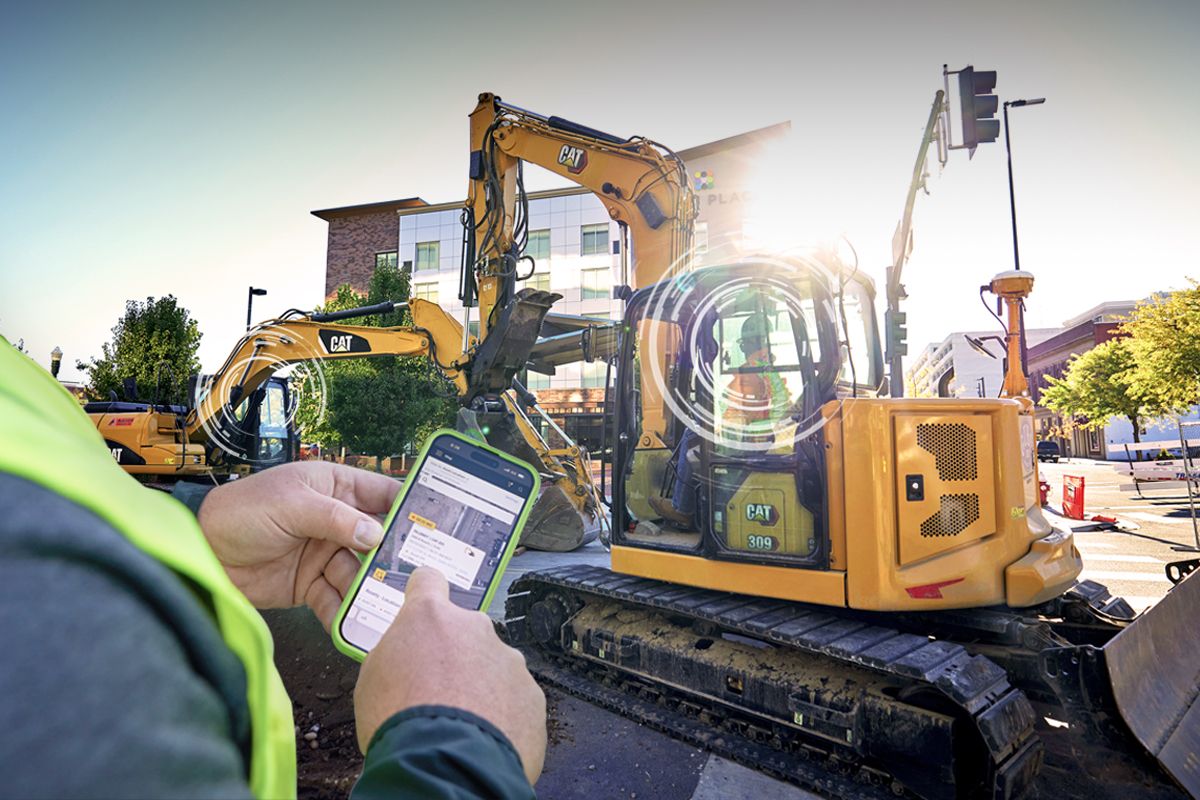
Giving your operations team access to machine usage insights through VisionLink® can lead to real, measurable improvements. Whether you’re aiming to cut costs, reduce environmental impact, or simply run more efficiently, here’s how it helps:
- Save fuel by managing how long machines sit idling
- Use your fleet more effectively—especially if you have more trucks than needed
- Boost productivity by moving underused machines to where they’re needed most
- Protect your equipment by reducing wear and tear, helping parts last longer and lowering maintenance costs
Small changes can make a big difference. VisionLink gives you the information to take action confidently.
What do I need to get started?
- Product Link enabled Cat or non-Cat machine (more on this below)
- VisionLink web access
- Computer or mobile phone
What does being Product Link enabled mean?
Adding Product Link to your earthmoving machine connects it to Caterpillar’s digital ecosystem, enabling advanced telematics and data insights.
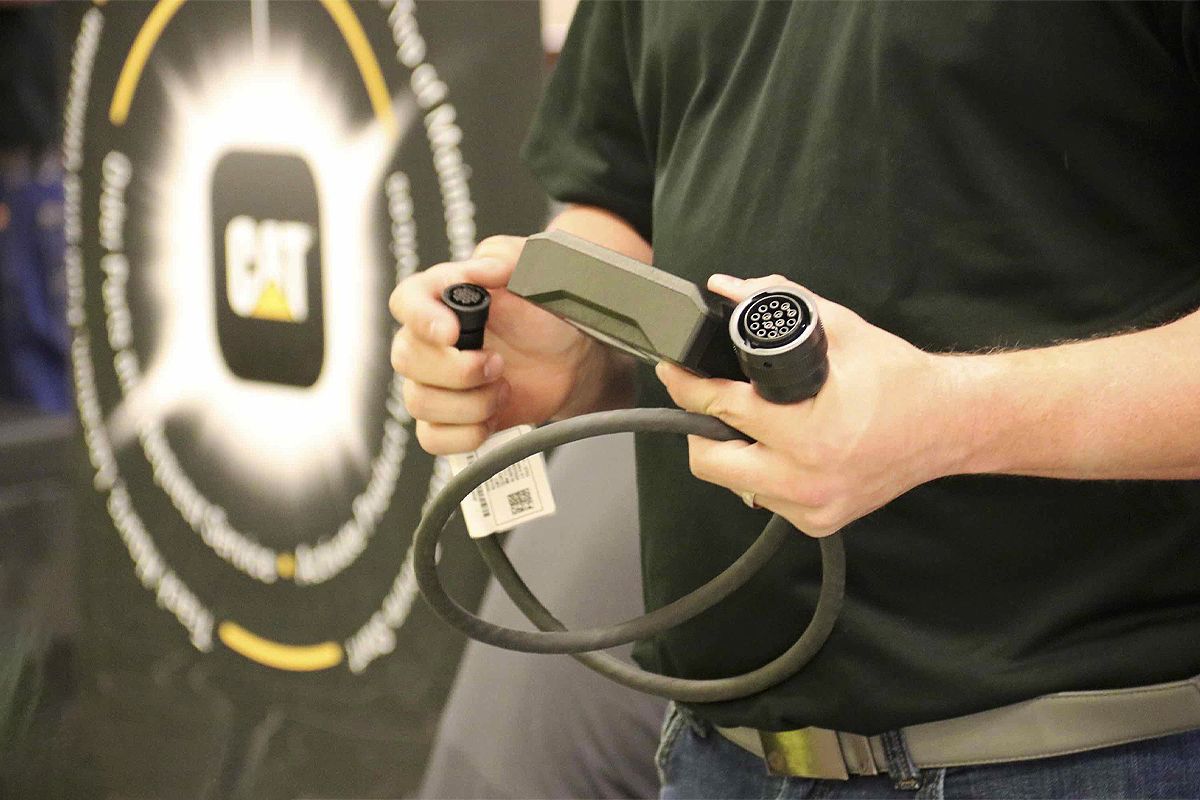
Most new Cat machines already come with a Product Link device installed on the machine by the manufacturer or WesTrac. If you have an older machine, or a non-Cat machine, you’ll need to purchase a Product Link device and have it installed (which WesTrac can also assist with).
Product Link uses cellular or satellite technology to transmit machine data to VisionLink.
Once the device is installed and powered, activate Product Link by registering the device through WesTrac or the VisionLink portal. You’ll need your machine’s serial number and Product Link ID (PLID) to complete setup.
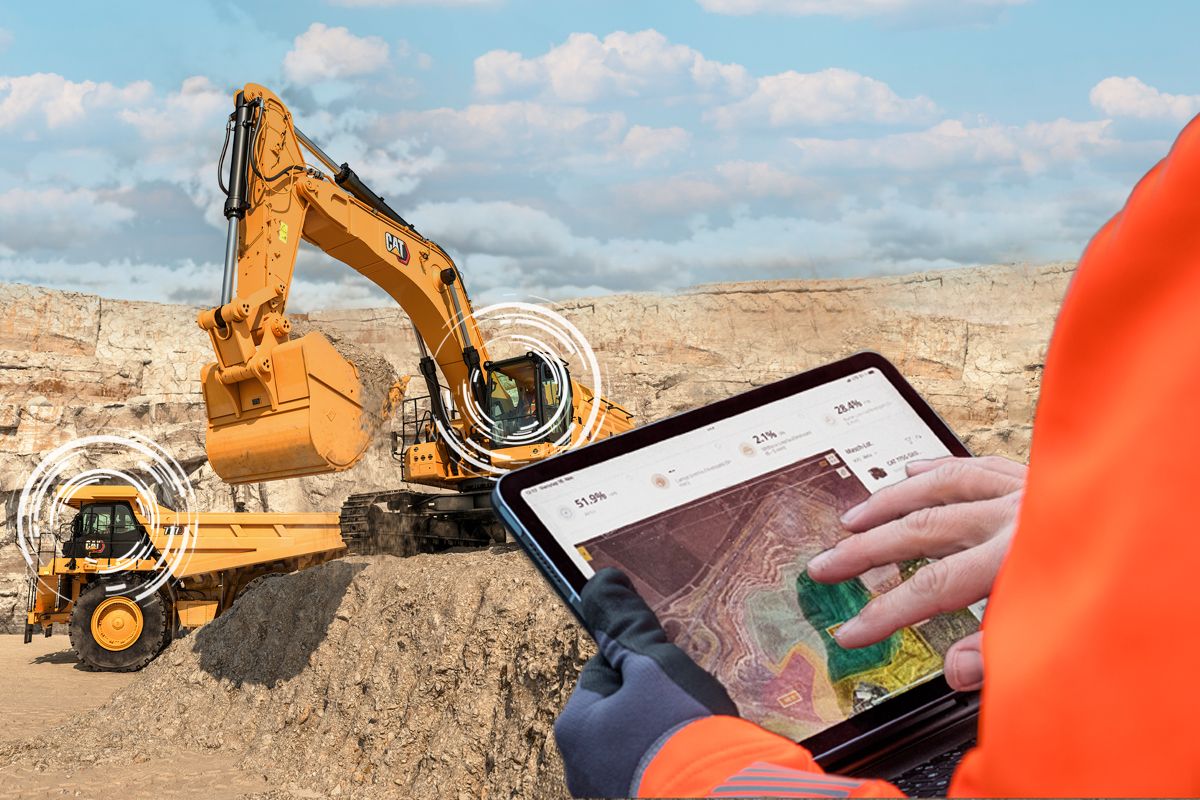
After activation, your machine begins sending data such as location, idle time, fuel consumption, and utilisation to VisionLink. From the portal, you can then monitor performance, schedule maintenance, and optimise your entire operation — all from a single dashboard.
We have a library of VisionLink tutorials to help you start using the tool so you can make the most out of your machinery.


Contact Our Team