1300 881 064
  FIND A BRANCH
 DIGITAL TOOLS









How do I make the most of my machine time with VisionLink?
VisionLink® helps you track machine usage and identify idle time. By reviewing patterns, you can support operators, set clear guidelines, and use tools like auto shutdown timers. Reducing idle time saves fuel, extends machine life, and lowers operating costs — boosting efficiency across your site.
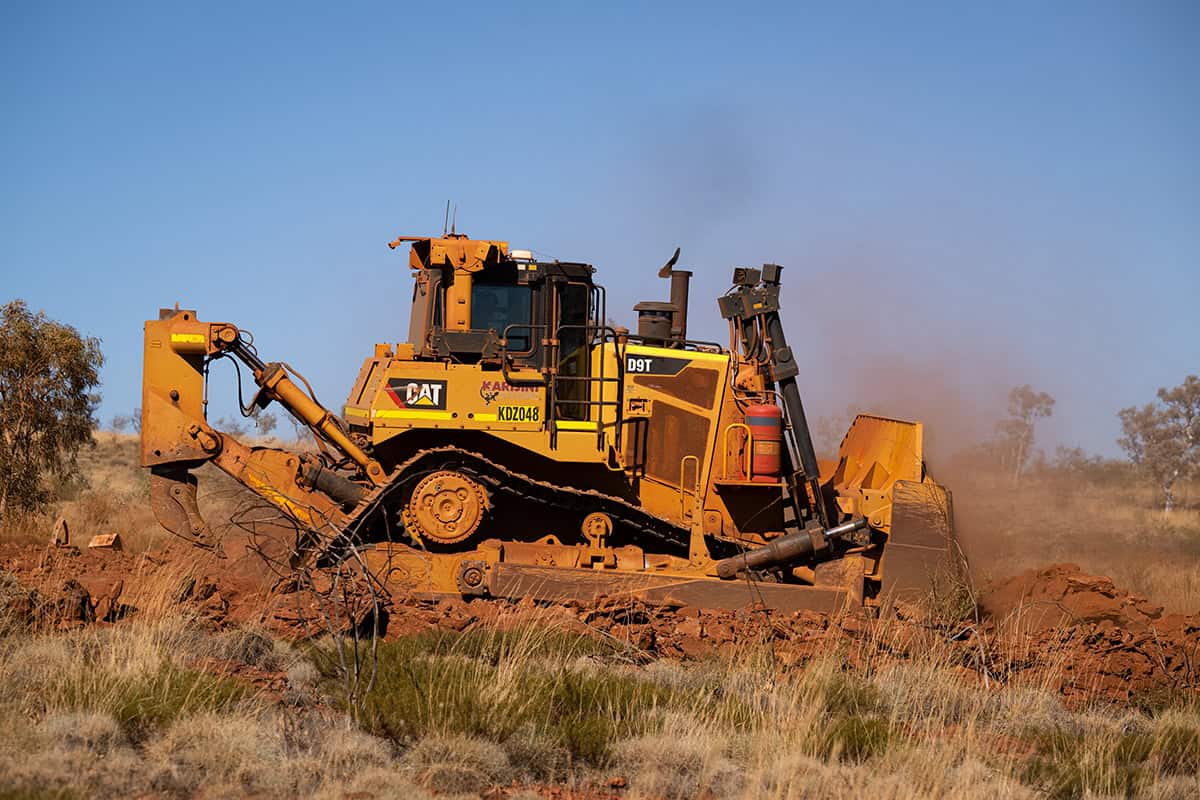
A Simple Guide to Understand How Your Machines Are Being Used
VisionLink® gives you a clear picture of how your machines are being used — helping you spot when they’re working and when they’re just idling.
By reviewing your machine’s history, you can see patterns like:
- Which operators might need support
- Which sites or shifts have the most idle time
- When machines are left running without doing work
Once you know where idle time is happening, you can take simple steps to reduce it. These might include:
- Using automatic shutdown timers to turn off machines after a set period of activity
- Setting clear guidelines (and possibly incentives) for operators, like aiming to keep idle time below 25% of total operating hours
- Having supervisors check in to make sure machines are turned off during long breaks
Reducing idle time doesn’t just save fuel — it helps your machines last longer and keeps your operating costs down.
We have a library of VisionLink tutorials to help you start using the tool so you can make the most out of your machinery.
Related Technology

Related Content


Contact Our Team
Share this post


Recent Posts